
Creating 3D-animated movies is a challenging but rewarding process that combines art, storytelling, and technology. If you have your sights set on a career in this field, you’ll need to learn about all of the details that go into each frame of animation, then combine your creativity and computer skills to start building your portfolio.
The Creators of 3D Animation
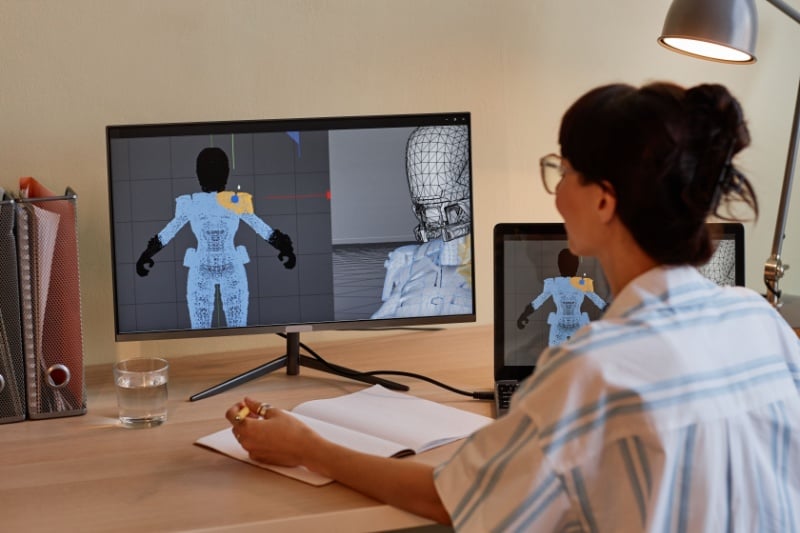
The role of a 3D animator is to create lifelike characters, objects, and environments that interact in realistic ways. Animators often have formal training in graphic design, animation, or a related field, and they rely on powerful computers and software as well as their own knowledge of how things look and move in the real world.
How 3D Animations Are Created
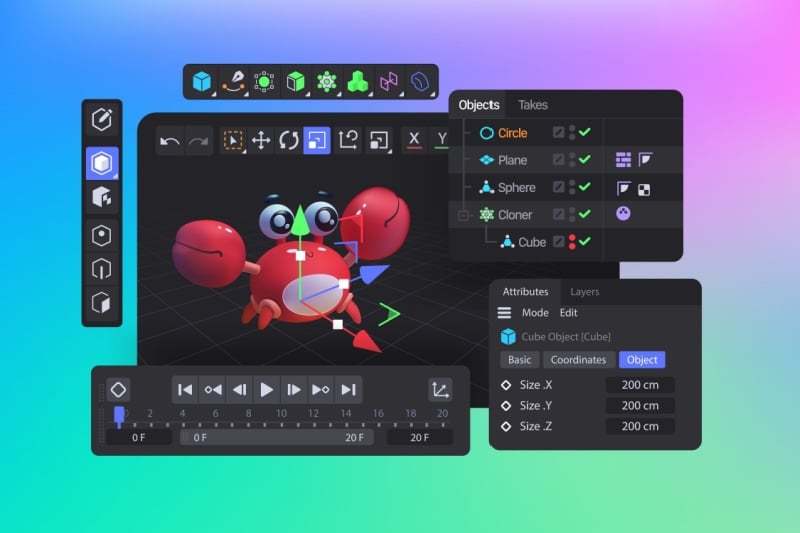
Creating 3D animations involves three main steps: creating 3D models, staging and animating these models, and rendering the contents of these computer files into a finished video file.
Modeling
Creating 3D animations starts with designing the characters, objects, and environments that will appear in the animation. This process involves using specialized software to create detailed, three-dimensional shapes and structures, which are built out of lines, curves, and polygons. Any object that will need to move will also need a skeleton underneath that can be controlled in order to move the object. Creating a skeleton for a digital object is called rigging. Once the skeleton is built, the model of the object is attached to it.
Staging and Animation
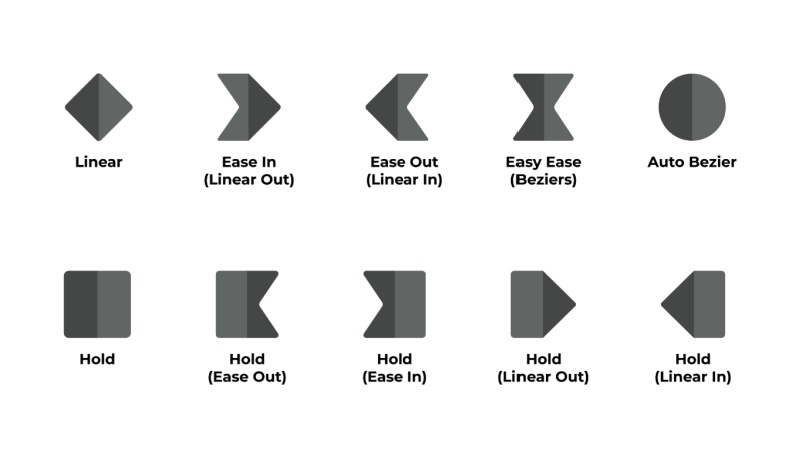
In the staging and animation phase, animators place the 3D models into a virtual scene and determine how they will move and interact with one another. This involves setting keyframes, which mark the start and end points of any movement, and then allowing the animation software to fill in the frames of motion in between. Animators also adjust the lighting, camera angles, and other elements to create the desired atmosphere and ensure that the scene looks visually compelling.
Rendering
Once all of the work of creating a 3D animation is finished on the computer, it’s time to turn it into a viewable video file, a process called rendering. During rendering, the computer performs complex calculations to create each frame of the animation, taking into account details like textures, lighting, and shadows. This process can be incredibly time-consuming, as the computer has to process a vast amount of data to produce high-quality images. Rendering a single frame can take hours! Once rendering is complete, the finished animation can go into post-production, the stage during which the sounds are added to the visuals.

What Is the Difference Between Creating 2D and 3D Animations?
Depth and Volume
When you’re creating 2D animations, you just have to worry about flat objects passing in front of or behind each other, but 3D objects need to have a lot more depth. This makes creating 3D animations more complex, as objects must make sense when viewed from a variety of angles and interact with light and shadows in a realistic way.
Technical Requirements
You’ll need a lot less computing power to create a 2D animation; in fact, you can even create one with no computer at all, just some art supplies and a camera, if you have enough patience. Making a 3D animation requires specialized software and a powerful computer to run it on, so it’s a less accessible process.
Style and Visual Effects
The goal of 3D animation is usually realism, focusing on capturing intricate details like how hair moves or how light plays off of a drinking glass. But 2D has much more room to let the animator’s unique style come through, leaving more room for things like intentional exaggeration (as in the work of Tex Avery) or visual metaphors.

The Best Software to Animate in 3D
You’ll need a lot less computing power to create a 2D animation; in fact, you can even create one with no computer at all, just some art supplies and a camera, if you have enough patience. Making a 3D animation requires specialized software and a powerful computer to run it on, so it’s a less accessible process.
Style and Visual Effects
The goal of 3D animation is usually realism, focusing on capturing intricate details like how hair moves or how light plays off of a drinking glass. But 2D has much more room to let the animator’s unique style come through, leaving more room for things like intentional exaggeration (as in the work of Tex Avery) or visual metaphors.
The Best Software to Animate in 3D
When you’re creating 3D animations, the software you use can significantly impact the quality and efficiency of your work. If you’re not sure which programs to start with, explore some of the most popular options first.
Autodesk Maya
Autodesk Maya is widely used in film production, animation, and game development due to its flexibility and powerful features. It’s a great choice for anyone looking to animate in 3D due to its comprehensive tool set, user-friendly interface, and powerful animation capabilities, though it can be a bit intimidating to learn.
Blender
Blender is a free piece of software that’s surprisingly powerful, giving users the ability to make models, animations, and renderings and generate graphic effects.
ZBrush
Zbrush is a great modeling tool that takes its cues from the art world, allowing users to sculpt models much like how an artist might sculpt with a block of clay.
Unreal Engine
Unreal Engine is a free program that’s popular with video game designers, allowing users to create interactive animations with realistic physics that render quickly.
SideFX Houdini
SideFX Houdini is known for its ability to help users create realistic liquids and liquid-like substances, such as smoke and fire. It also has a node-based workflow that helps users refine intricate details and interactions between objects more easily.
Elements of Realistic Animated 3D Characters
Keyframe Animation
Animating a 3D character using keyframes allows you to more easily define and control the motion of your character over time. Appropriate use of keyframes to indicate all position changes helps to create more natural movement.
Trajectories
In situations where your character is actually an object, you can use trajectories to define its movement. Define the object’s start and end point and direction of travel, then attach the model to that path and let the software create the movement.
Dynamic Environments
The main character of a scene is almost never the only thing that’s moving in real life. Things like the movement of the sun, gravity, the wind, and background action all need to be taken into account to create a dynamic, lifelike environment for your characters to interact with.
Motion Capture
Motion capture can be a valuable technological tool to help you create more realistic movements in your animation. To use this technology, you’ll attach one or more sensors to an actor, then have them act out the movements you want your character to make. The sensors will capture this motion, and software will then create the skeleton and keyframes for your character.
Additional Resources
- 3D Animation: Everything You Need to Know
- Four Basics You Need to Know About 3D Animation
- Do You Have What it Takes for a Career in Animation?
- Animation for Beginners: The Ultimate Get Started-Guide
- What it Takes to Become a 3D Animator
- Introductory Guide to Digital Animation
- How to Make 3D Animation: A Guide to Getting Started
- 25 Best Animation Tips for Beginner and Pro Animators
- Animation for Beginners
- 3D Movie Theater Seats
- What Is 3D Animation? A Beginner’s Guide